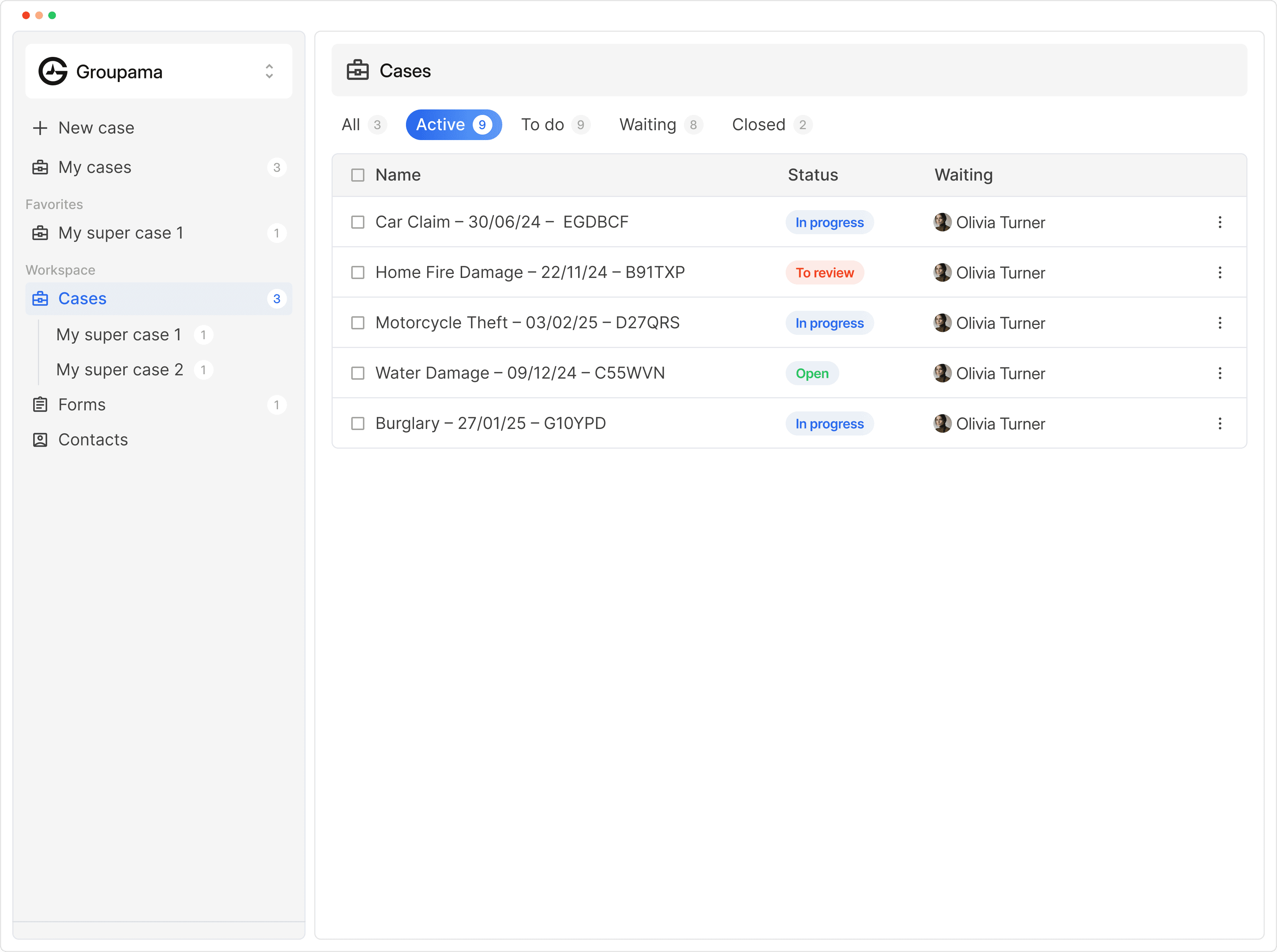
For insurance brokers
Every client request, answered today.
Penbox works inside Outlook and turns each client email into a structured case. Clients finish one short flow on their phone, documents arrive checked, and your team picks up a case that is ready to act on.

Illustrative demo, fictional data.
Trusted by teams at






Speed to answer
The first reply wins the client.
Every inbound request lands in the right case, with the next step ready.Quote requests, claims and policy changes arrive in Outlook as they always have. Penbox reads each one, opens the case, asks the client for what is missing and drafts the reply, so your team answers in minutes instead of days.
Speed to answer, every time.
Every email lands in the right case, by priority, with the reply already drafted. Personal and shared inboxes.
Shared inboxes, finally shared.
A colleague is off? Their emails still get handled.
Penbox sorts. You reply.
Illustrative demo, fictional data.
From email to ready case
Every request type, one guided journey.
The client answers once, and what Penbox already knows is prefilled.Each request type has its own journey: what to ask, which documents to collect, who needs to act. Documents are read as they arrive and the form fills itself, so your team steps in when the case is ready, not before.
%22%20opacity%3D%22.78%22%2F%3E%3Cpath%20d%3D%22M12%206.2c-3%200-5.4%202.4-5.4%205.4%200%203.5%202.2%206.2%205.4%206.2s5.4-2.7%205.4-6.2c0-3-2.4-5.4-5.4-5.4Z%22%20fill%3D%22rgb(36%2C%2099%2C%20212)%22%2F%3E%3Cpath%20d%3D%22M9.5%208.1c.8-.7%201.6-1%202.5-1s1.7.3%202.5%201%22%20stroke%3D%22%23FFFFFF%22%20stroke-opacity%3D%22.58%22%20stroke-width%3D%221.2%22%20stroke-linecap%3D%22round%22%2F%3E%3Ctext%20x%3D%2223%22%20y%3D%2216.5%22%20fill%3D%22%23242624%22%20font-family%3D%22Inter%2CArial%2Csans-serif%22%20font-size%3D%2214%22%20font-weight%3D%22600%22%20letter-spacing%3D%22-.35%22%3EPear%20Inc%3C%2Ftext%3E%3C%2Fsvg%3E) AMAlex Morgan
AMAlex MorganYou have nothing to do.
Our team is reviewing your case. Your documents have been received, and we’ll let you know when there’s an update.
 AM
AMYour declaration is complete.
Your case has moved to review. You can follow every update from your portal.
Document Intelligence
Documents arrive checked.
IDs, registration cards and claim reports are read before anyone opens the case.Document Intelligence extracts typed fields, rates image quality and flags what is unreadable while the client is still on the phone. Your handler gets a case with validated data attached.
Client portal
Clients see where they stand.
One link, no account, always up to date.Every case gets a temporary portal. Clients follow progress, send what is missing and see what is expected of them, so your team spends the day on advice instead of status calls.
One link, no account. Illustrative demo, fictional data.
The whole case
One case for your team, your clients and your agents.
From the first message to the filed policy, every step stays on the case.One case for your team, your customers and AI agents. Illustrative demo, fictional data.
Customers
Brokers already run on Penbox.
Real results from offices like yours.Control and compliance
You keep the wheel.
Approve in one click, or let routine requests run on their own.Brokers collect regulated data every day. Structured intake keeps the fields for FSMA, MiFID and AML consistent, and every action is logged, so the compliance trail does not depend on individual diligence.
Illustrative demo, fictional data.
INTEGRATIONS
Your broker system stays the record.
Penbox connects Outlook, your broker management system, your assistant and your own tools.Handlers stay in Outlook, data moves on through the API, journeys can be built visually or with an agent, and MCP brings Penbox into your assistant.
Same case. Same result. Illustrative demo, fictional data.
Use cases
Start where it hurts most.
Four places brokers begin.Most offices pick one request type, prove it on real cases and add more from there. A first flow can be live in a working day.
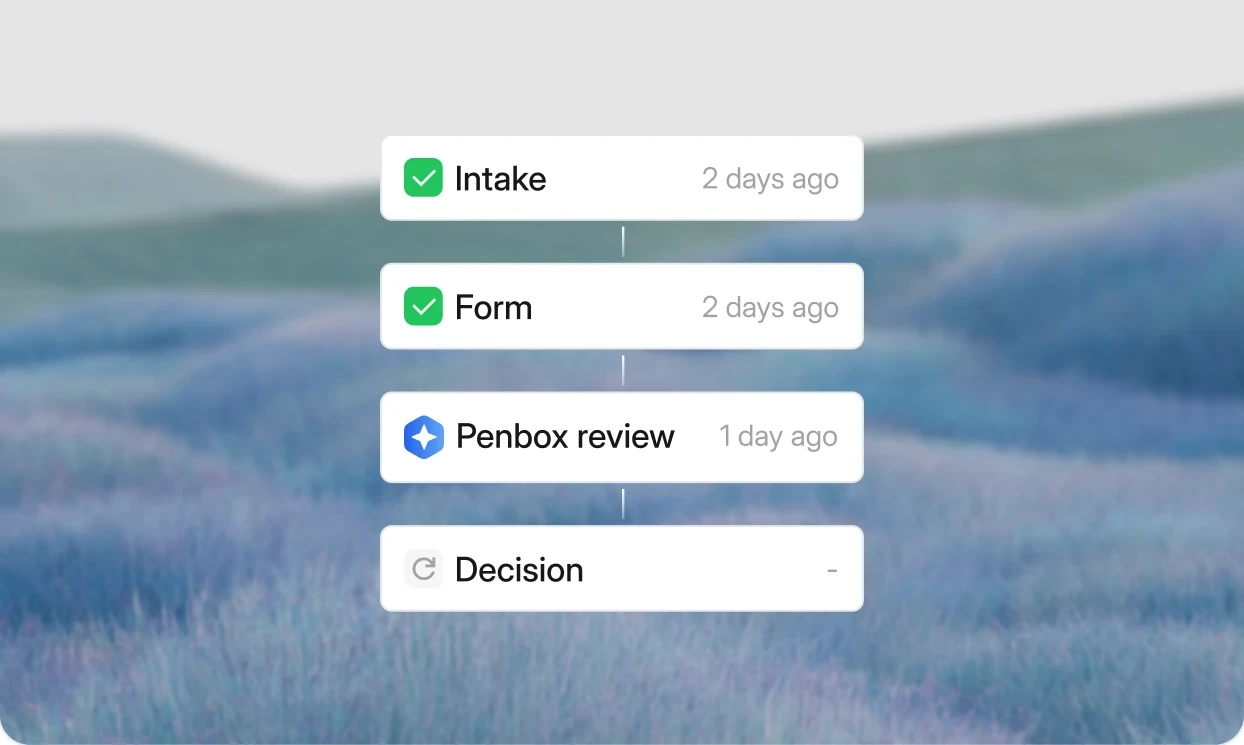
Claims management
Collect the facts and documents in one guided step and keep every claim moving.

Customer servicing
Mandates, address changes and cancellations without email back and forth.
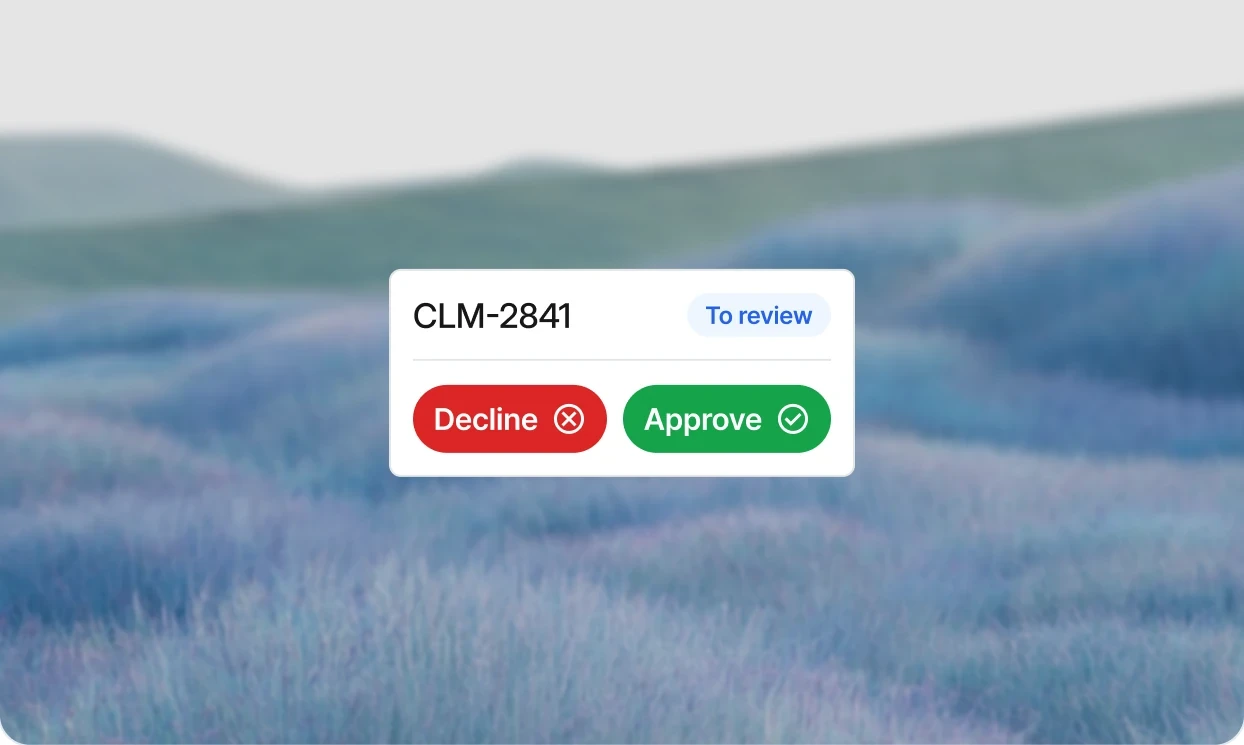
Underwriting and subscription
Complete submissions from prospects before anyone quotes.

Compliance and KYC campaigns
Refresh client data across the portfolio with automatic reminders.
Other industries
Frequently Asked Questions
Is Penbox a replacement for my broker management system?
No. Penbox runs the work between your clients and the system you already use. The broker management system stays the record. Penbox handles the intake, the follow-ups, and the validation, and the finished case comes back to the handler in the tools they already work in.
Which broker management systems does Penbox work with?
Penbox works next to your broker management system, which stays the record. Handlers work from Outlook and data moves on through the API. Soyer & Mamet, for example, connects Penbox to OpenBroker, and Penbox is an official Brio partner for brokers in Belgium.
Do we have to learn a new tool?
The handler works from Outlook. The Penbox panel is on the right of the inbox. When a client email arrives, one click starts a structured case. There is no second dashboard to open, no new habit to build for the day to day.
What do clients see?
A short message with a link. They tap the link, complete the flow on their phone, and submit. No app to install, no account to create, no login to remember.
How does Penbox handle poor-quality document submissions?
Penbox reads documents on the way in. AI extracts the fields that belong in the case, and deterministic checks validate formats like IBAN. When a submission is unreadable or missing, the client is asked to fix it before the case reaches a handler.
Does Penbox help with FSMA, MIFID, and AML requirements?
Yes. Penbox is used today by Belgian brokers to collect and update the fields these regulations require, including civil status, national identifiers, and AML data points. Because intake is structured, the compliance trail is consistent, not dependent on individual diligence.
How long does it take to get started?
A first flow can be live in a working day. Most offices start with a single template, usually quote requests or the most common claim type, confirm the workflow on real cases, and add more flows from there. No project management needed to see the first result.
What does it cost?
Penbox is priced per user. There is a free plan, Essential at €29 per user per month on annual billing, Pro at €69, and Enterprise on request. The pricing page lists what each plan includes.
Is Penbox secure and compliant?
Data is hosted in the EU, encrypted in transit and at rest. Penbox is built for regulated industries and supports enterprise compliance reviews. Security documentation is available before the first case is sent.