Claims intake is a reading problem
At the start of a claim, most of the work is reading documents and typing what they say into your system. This article covers how to do that reading as documents arrive, keep a person on the hard cases, and get clean data into the claim without re-keying it.

Written by
Rolf Tjalsma
Summarize


A claim lands as a photo of a hand-filled accident statement, a garage invoice, and a couple of PDFs. Before anyone can decide anything, someone has to read all of it and type what it says into the system. The first act of every claim is reading.
That reading is slow, and it holds up everything behind it. Deloitte found that when people could file digitally with photo proof of damage, time to payment dropped by as much as 5.5 days. The document itself was no different. What changed was how quickly it could be read and turned into data. Intake is where a claim's clock really starts, which is why FNOL decides how long a claim takes.
Where the days actually go
For most teams the reading is done by hand. A claim comes in by email, the attachment lands in a shared inbox with a dozen others, and someone opens it, works out what it says, and copies the date of the accident, the place, the other party, and the rest into the claims system one field at a time.
One broker put it plainly:
Collecting the admin is completely time-consuming. It is the part of the profession that eats the day.
They need around thirty-six pieces of information to cover a single risk, and clients tend to answer about half of what they are asked, so the gaps get chased on top of the reading.
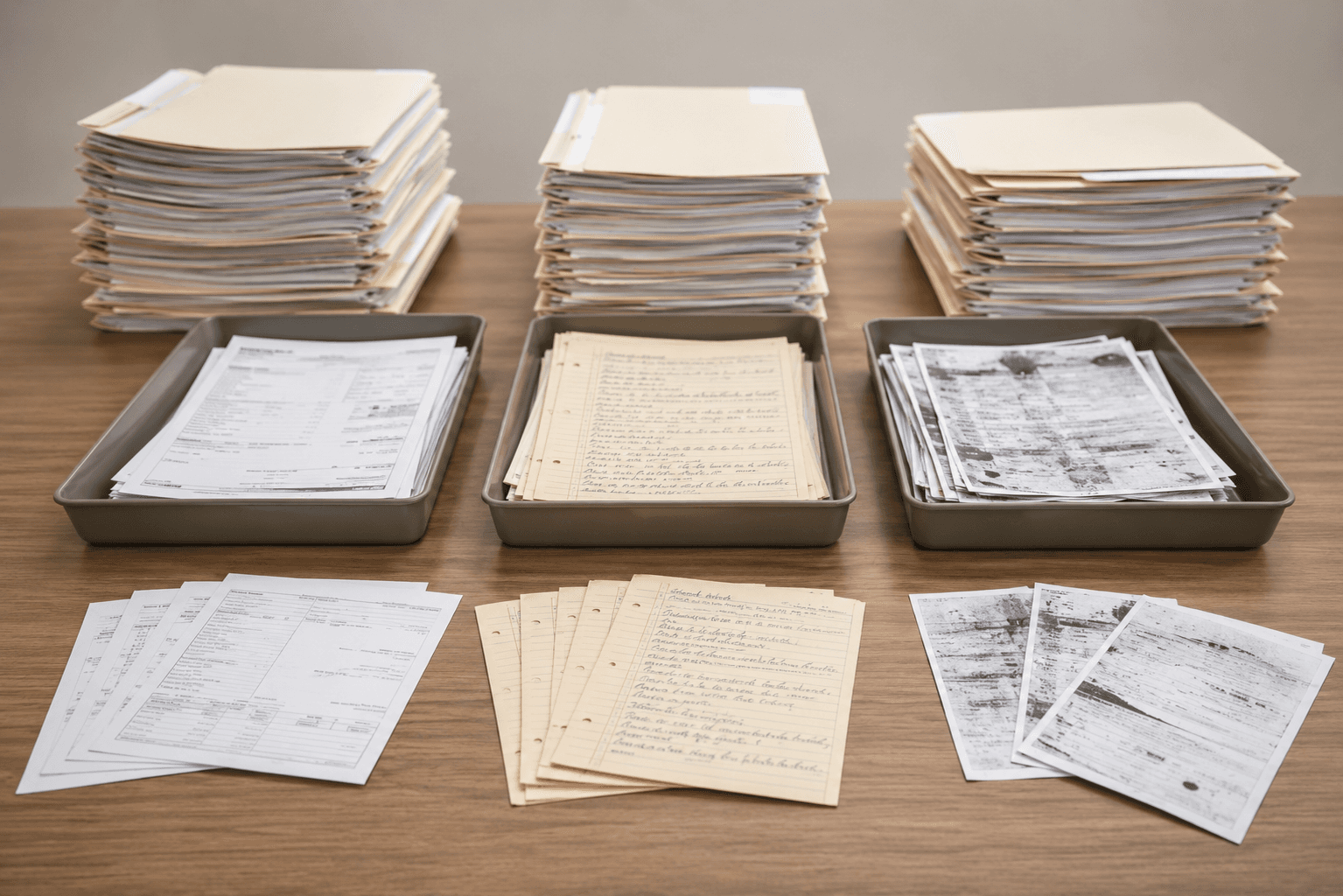
The documents rarely arrive clean. Some are blurry. One team told us their reception desk scans everything that comes in on paper, and when a scan is unreadable, someone has to raise a task to ask for the original before the claim can move. Handwriting slows it down again. Reading a hand-filled accident statement is careful, low-value work that nobody enjoys at four in the afternoon. And the volume is real: teams we work with handle hundreds of claims a month with a handful of people, each claim carrying several documents. Minutes of reading per document turn into days of work per week.
The document is already fine
The instinct is to make the client re-enter everything into a tidy web form. That is the fastest way to get a half-finished response, because you are asking someone to copy out a document they already have in their hand.
A better start is to take the document as it is, the photo or the scan, and move the reading to your side where it can be done properly. The client sends what they have. The work of turning it into clean data happens once, in the right place.
Reading it once
Once the document is in, it is read on arrival and the key fields come out: the date and place of the accident, the parties, the policy or plate number, the amounts. A clean printed page is quick and cheap to read, so Penbox's Document Intelligence runs a fast model on those and the routine documents move straight through.
The hard ones get more. A handwritten accident statement, or a form where one box only makes sense in light of another, goes to a stronger model that reads the whole page together rather than field by field. You pick which model runs on each document type, so the deeper reading is spent only where it earns its place. The fast and advanced models are documented if you want the detail.
The read is checked rather than trusted on faith. Each field comes back with a confidence level, shown next to the original so a handler can compare it against the source in one view. Here is the honest part: a confident read can still be wrong, a name spelled unusually or an email off by a letter. So a person stays in the loop where a mistake would cost something, while the clean cases pass through. A scan too blurry to trust is flagged, and the claim asks for a better copy the same day.
When the read is confirmed, the data goes straight into the claim. Nobody types it again into another screen. From there the same information can draft the acknowledgement to the client in their own language and fill the fields your downstream system expects.
To put rough numbers on it: picture three handlers carrying about fifty claims in a month, two or three documents each. That is well over a hundred documents to open and read. With the reading done on arrival, the printed invoices are handled in seconds, the handwritten statements come back with the date, place, and parties already filled in for a quick check, and the couple of unreadable scans go back for a clearer copy that day. By the time a handler picks up a claim, the typing is done.
The trade worth making
Reading documents automatically does not take the human out of claims, and it should not. The hardest scans and the occasional confident error still need someone who knows the work. What changes is the ratio:
Your people stop spending their day on the documents any careful reader could handle, and spend it on the ones that are genuinely hard or genuinely wrong.
Set against the manual baseline, that is an easy trade. The reading was always going to happen. The real question is whether a person does all of it by hand, or the tool does the first pass and your team checks the part that matters. Most claims teams already know which one describes their week.
Penbox reads the documents your claims already receive and writes the data into the file, so this happens in one place. If you want the wider view, here is what a well-run claims process looks like and what case management means.
Similar articles
All articles

Case management
Why Salesforce is great at case management
Why Salesforce earned its position in case management, how AI changes the value and limits of its configurable model, and what modern case operations require next.

Rolf Tjalsma

Case management
The case that understands itself
When a case writes its own summary and key fields, the next handler knows what it is before reading a page. Meet the case that understands itself.
Rolf Tjalsma

FNOL
FNOL software: why it decides claim length
FNOL software and why the first notice of loss decides most of a claim's timeline before anyone has even started deciding it.
Rolf Tjalsma