
Penbox for Insurance Brokers
Client emails answered in minutes.
Cases closed the same day.
A quote request. A policy change. A renewal question. Each one is a client waiting to hear back, and a case waiting to start. Penbox turns the email into a structured flow before anyone has to write a reply. The client fills it in on their phone. The handler gets a case ready to close.
Trusted by 200+ brokers already





Official Brio partner
Penbox for Insurance Brokers
One case, start to sent.
09:02
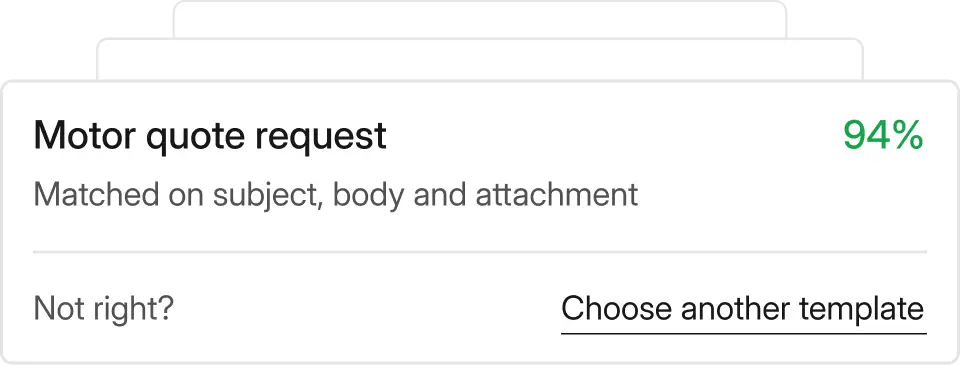
Email arrives
Penbox reads the message and picks the template. Nothing typed, nothing triaged.
09:05
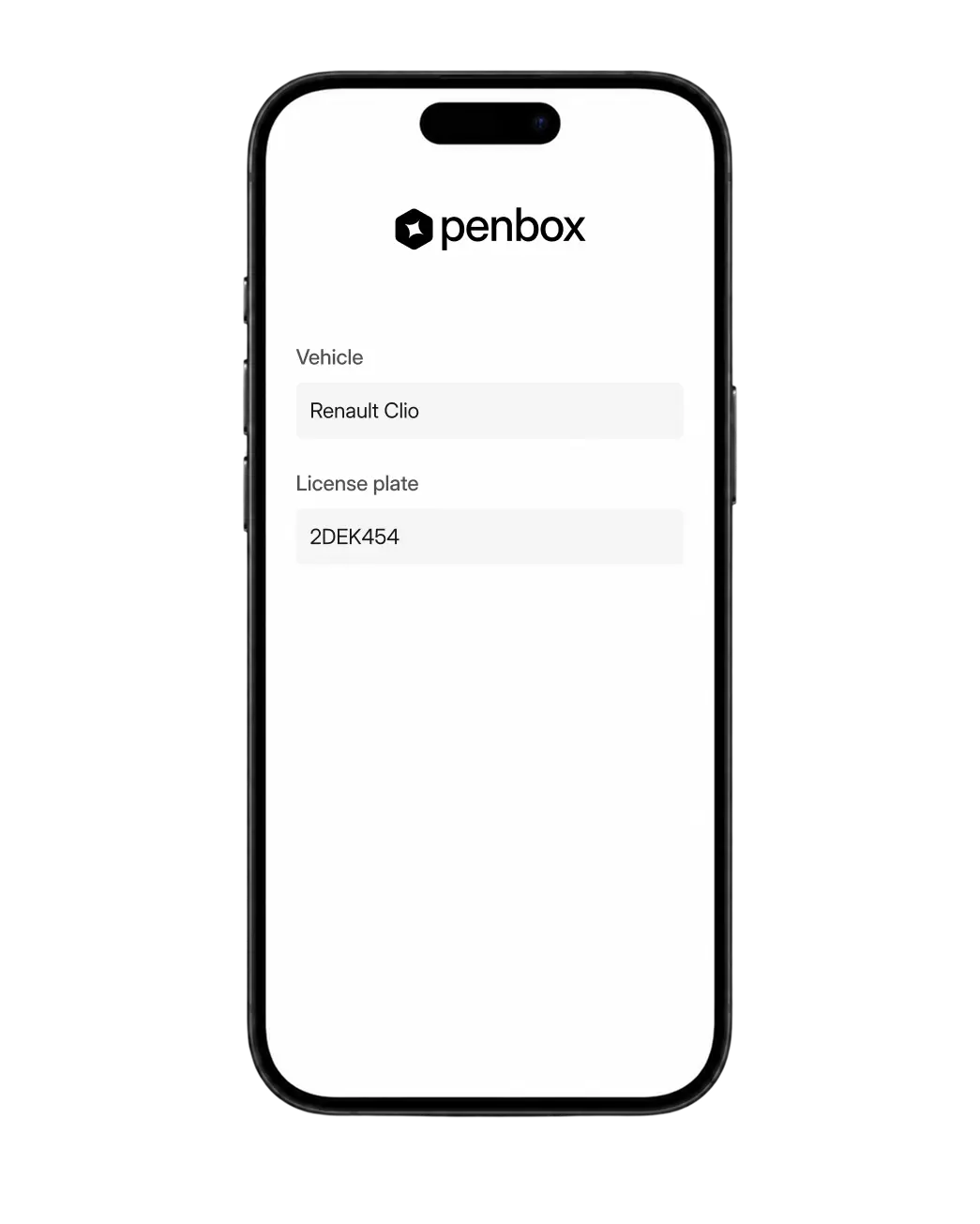
Client fills the flow
Marie opens a link from your domain and finishes it on her phone. No app, no login.
09:31
Quote goes out
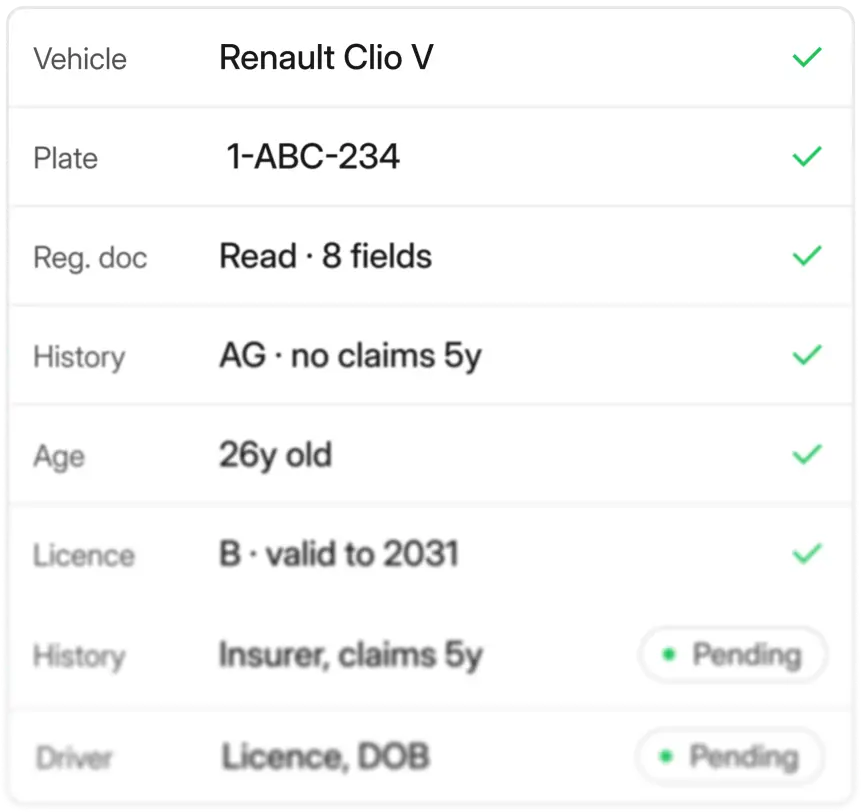
The case comes back complete and validated. Quoting it is the only judgement call left.
29 minutes, start to sent.
The same request handled by hand, last month: 2 days.

The broker who answers first wins the contract.
Answer new business in minutes, not days.
Quote requests and new enquiries land in Outlook and just sit there. The broker who replies first gets the business. In most offices, that reply takes hours. Often days.
Penbox doesn’t let the email sit. The Outlook add-in reads it, picks the right template, and sends the client a structured flow to complete, while the request is still fresh in their mind.
What it replaces
The quote request that sat in the inbox until Tuesday. The client who stopped replying. The contract that went to whoever responded first.
Quotes, renewals, policy changes, claims. One inbox, one pattern.
Every inbound email becomes a structured case.
Every email that lands in the inbox needs to become a case before anyone can act on it. Quote requests, renewals, policy changes, claims, they all need the same thing: structure. Without it, nothing moves.
Penbox structures every case automatically, whatever type it is. The case arrives on the handler’s desk already half-closed.
What it replaces
Manual triage. Templates chosen by hand. Time spent figuring out what the email is before anyone can act on it.
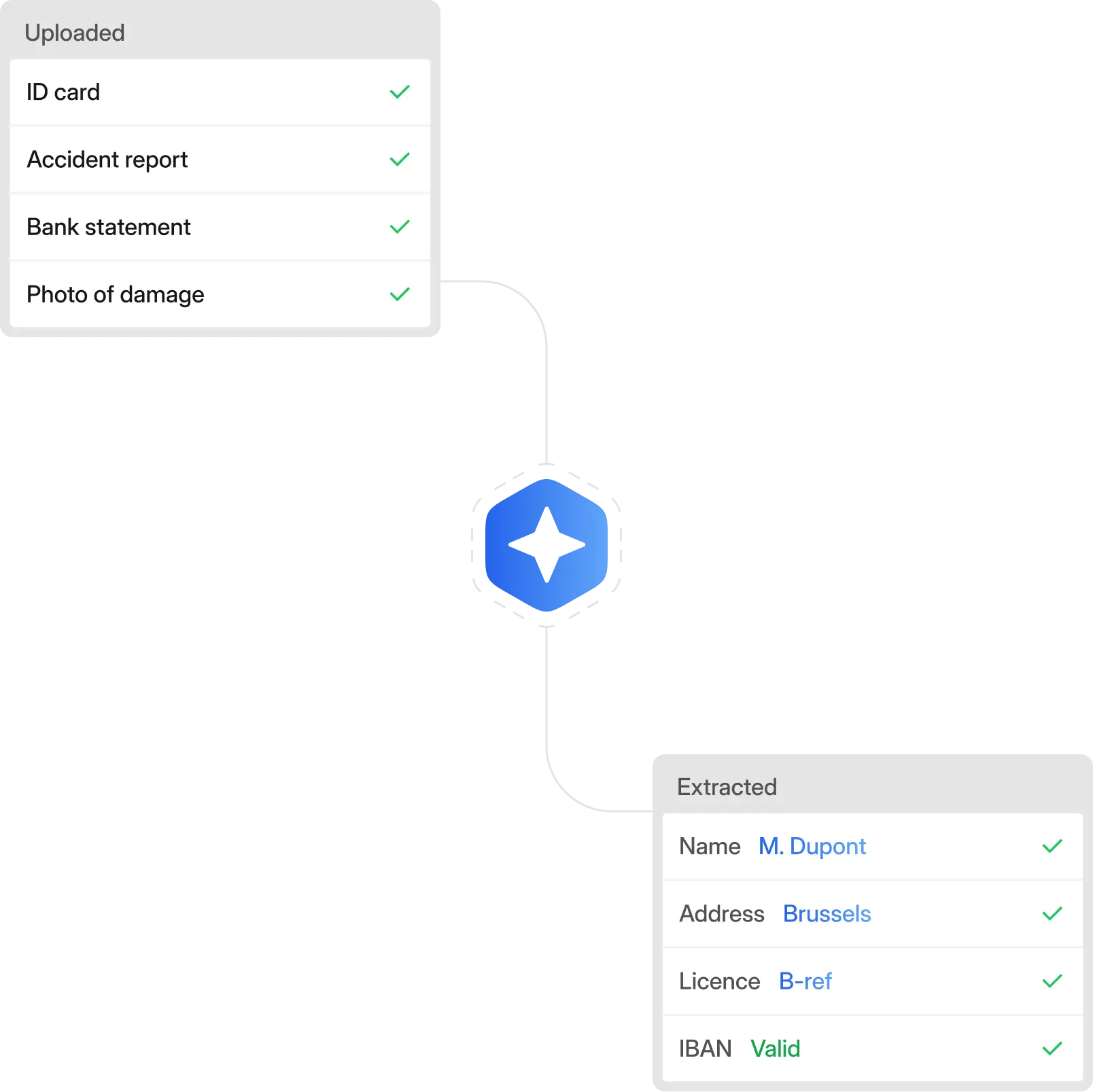

The document work, done before the case reaches a human.
Documents arrive ready to work on.
A case can’t move until the documents in it are usable. Most aren’t, the first time. A blurry ID photo, a cropped bank statement, a PDF with a missing page.
Penbox validates every upload before it reaches a handler. The AI reads each document, extracts the fields, and flags anything off. The client fixes it. Your team gets a case ready to process.
What it replaces
Follow-up emails. Manual data entry. Cases stuck waiting on a usable file.
No new system to learn. Penbox plugs into the place your team already works.
Works with the tools your office already uses.
Your team already has a way of working. Outlook, Brio, signature tools. The last thing a busy office needs is another system to learn.
Penbox doesn’t ask you to leave Outlook or replace your system of record. It just runs the work between them.
What it replaces
Tool fatigue. Change management projects. Products you pay for that nobody uses.
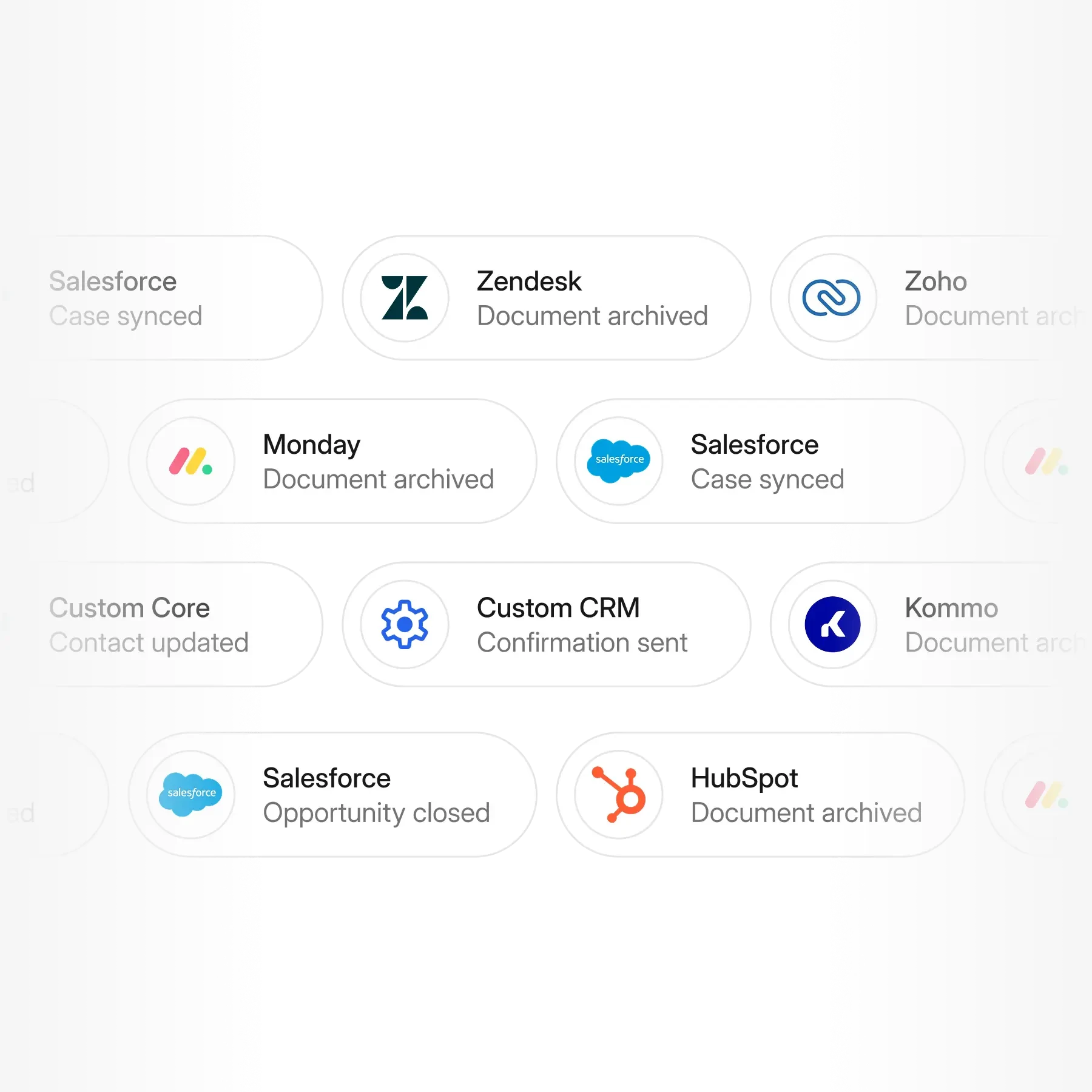
Your broker management system stays the record. Penbox runs the work, between your clients and your team, inside the inbox you already live in.
Where Penbox sits
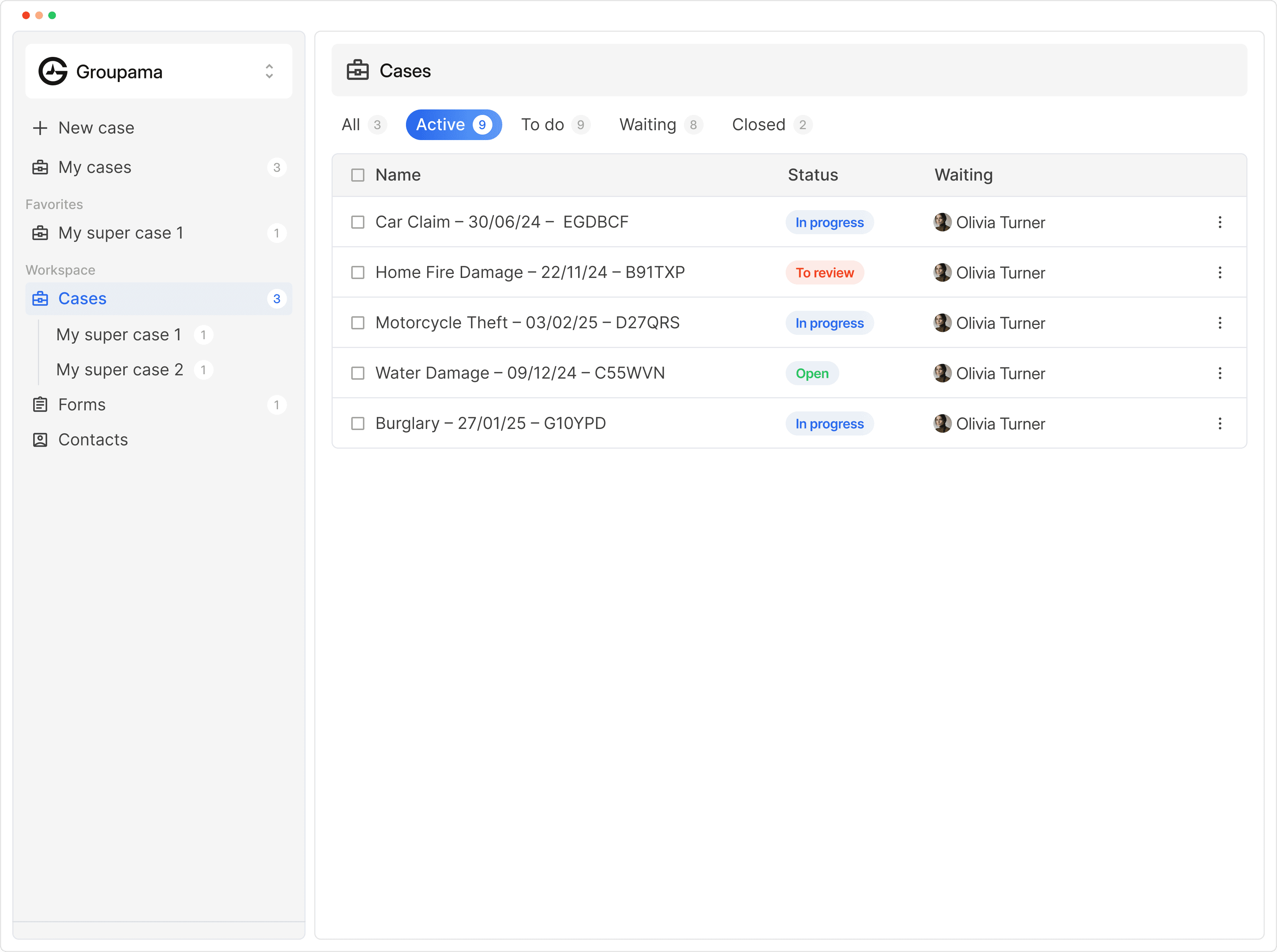
Penbox runs inside Outlook. When a client email lands, one click starts a structured case. The client fills it in, the documents are validated, and the completed case comes back to the same thread.
What it looks like on a quote request
A new car, a renewal, a mid-term change. Each one lands in Outlook, Penbox picks the right template, and the client gets what they need to respond. One click from the handler. Everything else moves from there.
Built for the broker context
Built for FSMA, MIFID, and AML. Official Brio partner, with deeper integration coming. Flows go out from your domain, in your clients' language, written by your team.

Secure and compliant. By design.










Frequently Asked Questions
Is Penbox a replacement for my broker management system?
No. Penbox runs the work between your clients and the system you already use. The broker management system stays the record. Penbox handles the intake, the follow-ups, and the validation, and the finished case comes back to the handler in the tools they already work in.
Does Penbox work with Brio?
Yes. Penbox is an official Brio partner. Today, Penbox lives inside Outlook, which is where the inbound work starts. A deeper Brio integration is on the roadmap and will be announced separately.
Do we have to learn a new tool?
The handler works from Outlook. The Penbox panel is on the right of the inbox. When a client email arrives, one click starts a structured case. There is no second dashboard to open, no new habit to build for the day to day.
What do clients see?
A short message with a link. They tap the link, complete the flow on their phone, and submit. No app to install, no account to create, no login to remember.
How does Penbox handle poor-quality document submissions?
Penbox reads documents on the way in. AI extracts the fields that belong in the case, and deterministic checks validate formats like IBAN. When a submission is unreadable or missing, the client is asked to fix it before the case reaches a handler.
Does Penbox help with FSMA, MIFID, and AML requirements?
Yes. Penbox is used today by Belgian brokers to collect and update the fields these regulations require, including civil status, national identifiers, and AML data points. Because intake is structured, the compliance trail is consistent, not dependent on individual diligence.
How long does it take to get started?
A first flow can be live in a working day. Most offices start with a single template, usually quote requests or the most common claim type, confirm the workflow on real cases, and add more flows from there. No project management needed to see the first result.
What does it cost?
Penbox is priced per user and scales with volume. A typical broker office can compare the monthly cost to the revenue captured by responding faster to inbound business. The demo call includes a quote against your setup, not a list price.
Is Penbox secure and compliant?
Data is hosted in the EU, encrypted in transit and at rest. Penbox is built for regulated industries and supports enterprise compliance reviews. Security documentation is available before the first case is sent.