Keep every claim moving, even when exceptions become the rule.
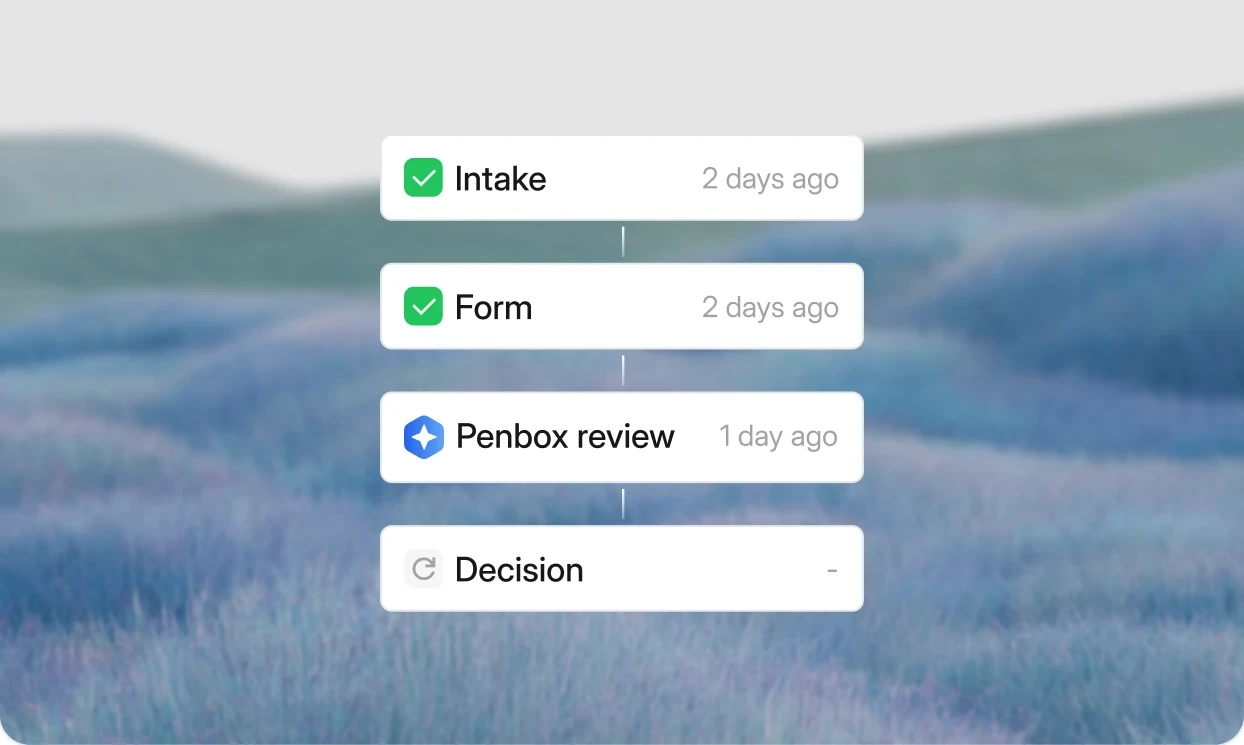
A claim arrives as an email with two documents missing. Penbox turns it into a structured case, works out what is outstanding, asks the claimant for exactly that, reads the documents that come back, and hands your adjuster a file that is ready to assess. Your core system stays the system of record.
67%
of claim requests sent through Penbox are completed by the claimant
60%
form completion on document collection (Reported by Groupama)
1,600
pages a month read by Document Intelligence for one claims team (Reported by Groupama)
Up to 75%
of claims automated, including the most complex ones (Ed Ackerman, Chief Customer Officer, Qover)






Summarize


It's Monday morning. A claim comes in.
The claimant forgot two documents. The repair estimate will not arrive for three days. Someone has just replied to an email thread from two weeks ago, to the wrong person. A colleague pings to ask for a status update on a case that is not even theirs.
By 11am the adjuster has not opened the case file once. They have spent the whole morning coordinating: chasing, forwarding, and reconciling, instead of assessing.
Nothing here is broken. Every one of those interruptions is somebody doing their job properly. The problem is structural. No single layer owns the claim between first notice and decision, so the coordination lands on people, and the people are the most expensive part of the process.
In insurance, the exception is the rule.
A document is missing. A detail is wrong. A claimant answers three weeks late, from a different email address, with a photograph instead of an invoice. Most claims software is built for the version of the claim that goes right. Penbox is built for the other one.
A live portal for every claimant
Claimants see where their claim stands, understand exactly what is expected next, and add documents securely whenever they need to. No account to create before they can start, no new email thread, and no attachment size limits.
Documents that arrive understood
Document Intelligence reads what comes in: policy numbers, claim amounts, dates, vehicle details, invoices, and handwritten accident reports. Every field returns with a confidence level and a validation result, so a blurry photo routes to a human instead of quietly entering your data.
Claims logic built by the claims team
Your handlers already know the rules and the exceptions. Penbox Agent turns that knowledge into forms, case templates, and extraction templates from plain-language instructions or a dropped PDF. Complex claim types change without waiting for an IT project.
The tools already in place do not close it.
The core system stores the claim. It does not run it. Core systems are built to hold data, not to collect documents, chase missing information, or coordinate the exchange a real claim requires. Digitising the intake form does not change that either. The underlying experience of email a document, wait, follow up stays exactly the same.
Manual checklists do not survive contact with a real claim. Groupama tried this first: a standard document checklist for handlers to work through on calls. It was not consistently followed, and when it was, handlers who were not legal experts struggled to adapt it to the situation in front of them. That produced requests for the wrong documents, or no request at all. What replaced it is one form template per area of law, each carrying its own decision tree, so the right questions get asked without the handler having to know which ones they are.
Generic form builders cannot hold the complexity. Off-the-shelf builders rely on standard branching. That works for a handful of simple, static flows. It breaks down the moment a team tries to rationalise hundreds of real claim variations into something they can maintain themselves.
Traditional OCR needs months you do not have. Classic extraction technology wants hundreds of training documents per form type, and fine-tuning runs for days or weeks before it is usable. Document Intelligence works from a template you define in a visual editor and test against your own documents in the same sitting.
Rip-and-replace platforms solve it on paper and create a new problem in practice. Tools that promise to replace the core system outright usually demand a change-management programme before they deliver anything. What often follows is the tool a team pays for and quietly stops opening.
How a claim actually runs on Penbox.
Your core system remains the system of record. Penbox runs the operational work around it: the claimant interactions, the documents, the deadlines, the decisions, and the exceptions that usually send everybody back to email.
The claim arrives. The claimant emails in, opens a link, or is created by an API call from your own portal. Nobody has to register an account before they can start.
The case opens itself. Email Intelligence classifies the message, links the attachments, identifies the contact, and applies the right claim template. In Outlook, that is one click from the handler's inbox.
What is missing is found. Penbox checks the case for completeness against what that claim type actually requires, and flags the gap before a human has to notice it.
One request goes out. Delivered through a secure portal, pre-filled with what Penbox already knows, asking only for what is still outstanding. Reminders fire on their own, by email or SMS.
Documents are read, not filed. Document Intelligence extracts the fields into the case and validates on the way in. Every field returns a confidence level, a validity result, and a plain-language explanation.
Uncertainty routes to a person. A low-confidence value or a blurry image is flagged rather than accepted. It goes to a handler with the source page already pinpointed, instead of into your data.
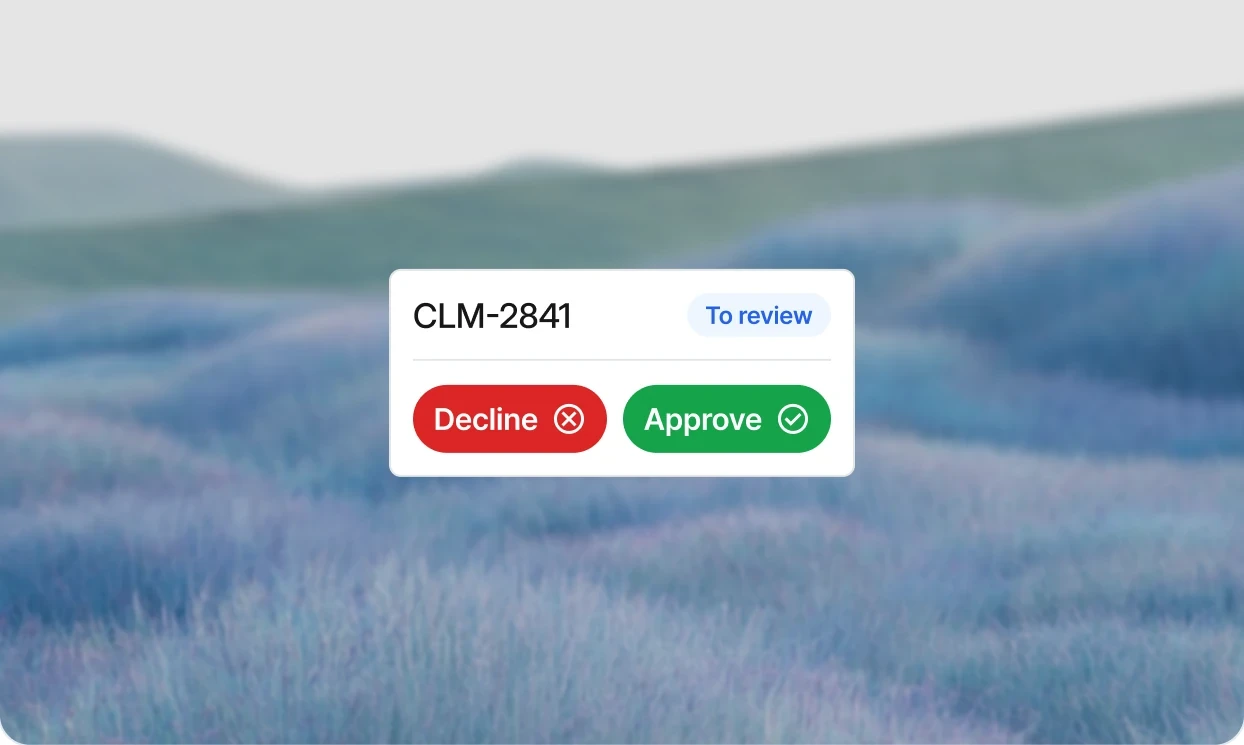
The adjuster decides. Approve, decline, or ask for more, from a case that is already complete and structured. Penbox Agent can summarise the file and draft the reply.
Everything stays traceable. Every document, message, extraction, and decision sits in one audit trail, timestamped and attributable, and syncs back to your core system.
Give the legal expert the complete file, not twelve emails to decipher.
“With Penbox, we’ve literally halved the processing time of our cases.”
Anaïs Dumas, Head of Operational Performance and Innovations, Groupama
Groupama handles legal protection claims: divorce, building works, neighbour disputes, credit, and tenancy. Each area of law has its own evidence requirements, and the claimant is usually in the middle of something stressful and has no idea which document matters.
The team rationalised document collection into one form template per area of law, each carrying its own decision tree. What a claimant answers determines what they are asked next, so a single interaction collects everything the file needs instead of triggering another round of email. The team reports reaching 60% completion on those requests.
The documents that come back are long: notarial deeds, medical certificates, and court filings. Document Intelligence reads roughly 1,600 pages a month for the team and summarises each document, so the expert opening the file has the substance before opening a single PDF. On criminal-matter claims the same extraction runs the other way round, checking on arrival whether a document is actually the one that was requested, and saying so immediately rather than three days later.
Read what a well-run claims process actually looks like →
Claims arrive in Outlook, so that is where Penbox runs.
“Penbox saves us valuable hours every day. Adoption via Outlook was very fast. Penbox is now essential to our operations.”
Vincent Delghust, Property and Casualty Claims Director, Allianz
The hardest part of any claims tool is not the feature set. It is whether handlers open it. Penbox runs as an add-in inside Outlook, where the claim already landed. The add-in reads the inbound message, selects the right claim template, and turns the email into a structured case in one click. No second application, no copying a reference number between windows.
Groupama built their whole claims workflow the same way, on Penbox and the Outlook add-in, with no new infrastructure and no IT project.
Six claim families running in production today.
Claims software is easy to demo on a simple motor claim. The real test is whether it holds a bodily injury file open for three years, or runs a card dispute across several issuing banks in two countries.
Legal protection
Divorce, building works, neighbour disputes, credit, and tenancy. One template per area of law, each with its own decision tree. Long legal documents summarised on arrival.
Bodily injury
Files that run for two, three, or four years between procedural steps. Claimant access links expire after 60 days by default and reactivate when a new event happens on the insurer's side, so a dormant file never leaves a live link open.
Motor and first notice of loss
First notice of loss from your website, your inbox, or an API call from the handler's own system. Handwritten accident reports read as images, including poor-quality phone photographs.
Home and fire
Property claims where the evidence is photographs, an estimate that has not arrived yet, and a report from a third party who works to their own timetable rather than yours.
Credit card claims
Card disputes handled for several issuing banks from one flow, with the claimant experience in the language of the market they are in, and the data returned to each bank separately.
Commercial and professional
Business protection claims where the claimant is a company, the required evidence is contractual rather than personal, and more than one party has to sign before the file can close.
Your claims experts already know the rules. Penbox Agent turns that into a working flow.
The bottleneck in claims automation is rarely the technology. It is that the person who understands the exception cannot configure the system, and the person who can configure the system has never handled the exception.
1. Describe it
Explain the claim type, the evidence you need, the rules, and the common exceptions in plain language. Or drop in the PDF form your team uses today and start from that.
2. Build it with Penbox Agent
The agent generates the form, the case template, the questions, the validations, and the routing. Define your extraction fields and validation conditions in a visual editor, test them against real documents, and save.
3. Launch and improve
Attach the extraction template to a file element in a live case, map its output fields to case data, and watch results appear as documents arrive. Change it again next week without waiting for a release.
Penbox Agent is included in every workspace at no additional cost while we continue to refine it.
Start above your existing stack. Integrate at your pace.
Inbox. Turn an inbound claim email into a structured case with the Outlook add-in, and send from your own domain so nothing reads as phishing to a claimant.
Core systems. Push clean, validated claim data back to your policy, CRM, and claims platforms by API or webhook. Cases can also be created by API for claims intake embedded in your own portal.
Broker systems. Official Brio partner. Penbox complements Brio, it never replaces it.
Documents. Generate documents from your Word templates and keep archiving in the document management environment you already run.
Signatures. Electronic signature inside the case, with handwritten, SMS OTP, email OTP, Itsme, or Swisscom authentication, and multiple signers in sequence. E-signature via Connective.
Extensibility. Every configuration is JSON, so the whole platform is manageable by API.
Explore the documentation →
What is Penbox?
Penbox is the case platform that triages emails, collects documents, and keeps cases moving around the clock. It sits on top of your existing systems, works in Outlook and Gmail, and moves every case forward on both sides: your team and your customers. More than 300 teams use Penbox, including Allianz, Groupama, and Qover.
Does Penbox replace the tools we already use?
No. Penbox runs the work between your customers and the systems you already depend on. Your CRM and your back-office platform stay exactly where they are. Penbox handles the intake, the follow-ups, and the validation. The finished case returns to the tools your team already works in.
What kind of teams use Penbox?
Operations teams that handle document-heavy customer interactions at volume. The main use cases are claims management, underwriting and subscription, customer servicing, and compliance and KYC campaigns.
What do customers experience when they submit a case?
A short message with a link. They tap the link, complete a structured flow on their phone, and submit. No app to install, no account to create, no login. When a document is missing or unreadable, Penbox asks them to fix it before the case reaches anyone on your team.
How long does it take to get value?
Your first case can run the same day. From there, you test it on real cases and expand into more case types as it proves itself. Most teams reach full value in weeks, not quarters, and the payoff shows up on both sides: your team spends less time chasing documents, and your customers get helped faster.
Is our data secure and GDPR compliant?
Penbox is ISO 27001 certified, GDPR-ready, and data is stored in the EU. Every case action is logged, traceable, and auditable. Security documentation is available before the first case is sent.
How does pricing work?
Penbox is priced per user, and every seat includes credits for automation, document and AI actions. You can sign up and start a first case directly. For larger teams or more complex workflows, book a demo and we will put together a quote for your setup.
Other use cases
Underwriting and subscription
Collect, validate, approve, and sign in a controlled workflow. Shorter cycle times. Fewer errors. Clear accountability.

Customer servicing
Handle updates and renewals without email back-and-forth. Increase responsiveness while keeping every interaction traceable.

Compliance and KYC campaigns
Run portfolio-wide updates at scale. Track submissions, automate reminders, and maintain defensible audit records.