Product Update #1: Any form can now become a case
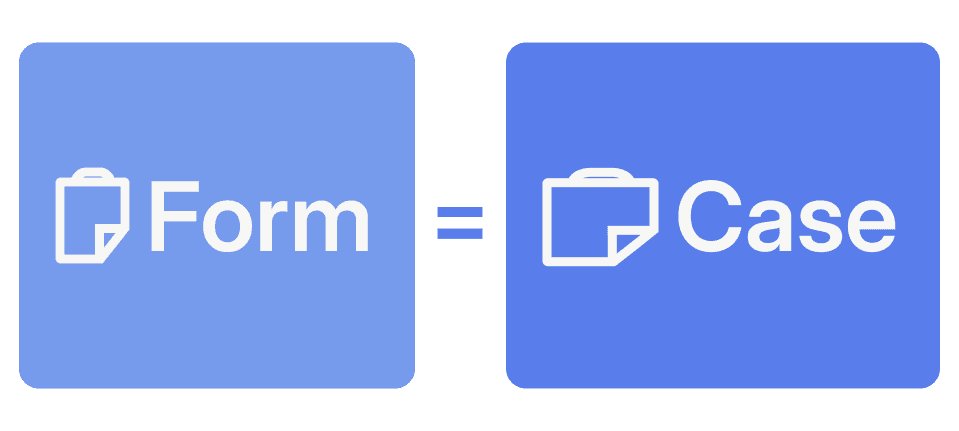
Forms now fit inside the case model. When Forms as cases is enabled, every sent form can create or attach to a case, with the timeline, contacts, workflow steps, and automations that come with it. Forms shared from campaigns, integrations, or direct links no longer have to live outside your operational workflow.
This means:
Each form can wrap itself in a case automatically, applying the right case template when one is configured
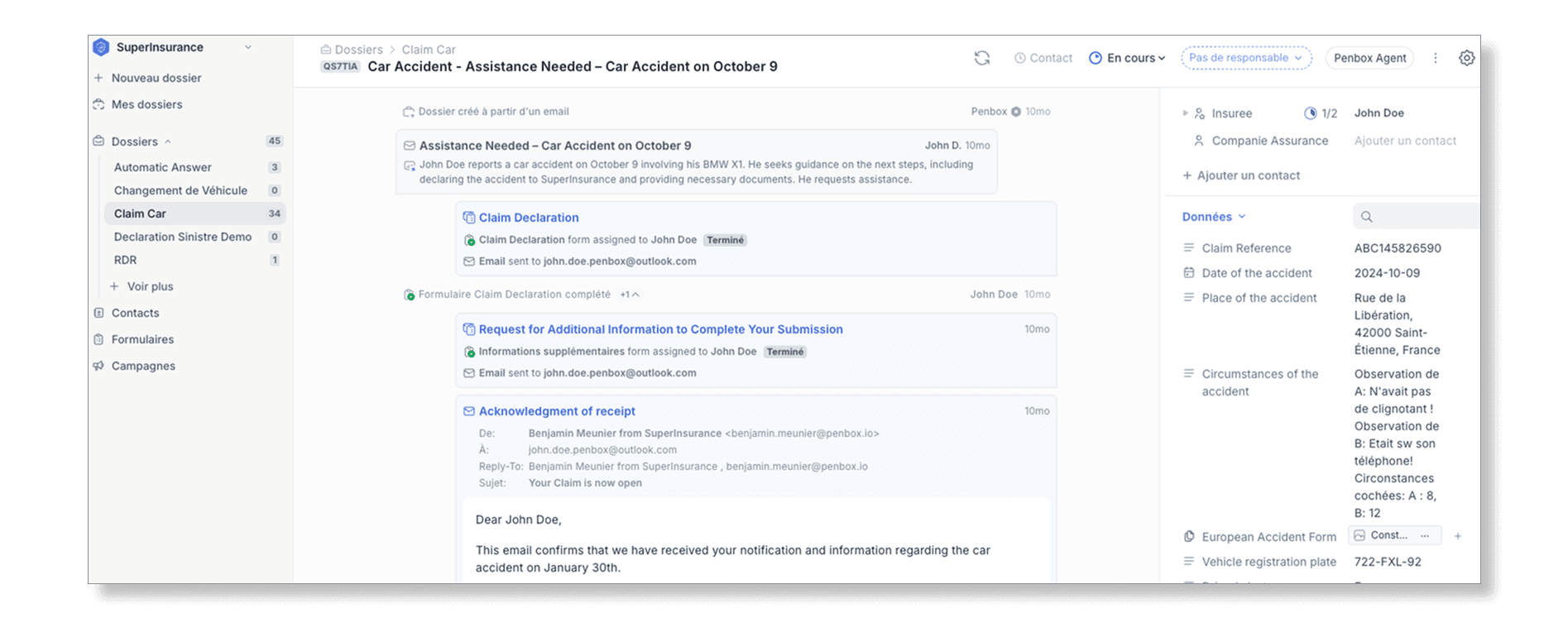
Cases now display a short reference in the case list and case header. Click to copy it, share it, or use it when connecting external conversations back to the case
Email workflows can use case references to route replies and forwarded messages to the right case, so context stays attached instead of getting lost in a separate inbox thread
A new Penbox brand and a redesigned app
Penbox has a new visual identity across the product. The redesigned app introduces our updated color system, including our signature Zen color, refreshed buttons, cleaner surfaces, and a more consistent interface from first login to daily workspace management.
What changed:
The sign-up and sign-in screens bring the new brand forward while keeping authentication focused on the next action
The workspace menu has a cleaner structure and stronger hierarchy across navigation, actions, and settings
New filters across the app, plus updated color and button styles, make common actions easier to scan and important states clearer
Document Intelligence, now in the Connect API
Penbox Document Intelligence is available directly from the Connect API. Send a document to POST /document_intelligence, define the fields to extract, and receive structured JSON back. Built for real-time workflows on the documents your teams handle every day: invoices, ID cards, bank statements, contracts, and administrative forms.
Frequently Asked Questions
What does "Forms as cases" actually mean? When you enable "Forms as cases," every form you send can automatically create or attach to a case. That means the form gets a full case context: a timeline, contacts, workflow steps, and automations. Before this, forms sent from campaigns, integrations, or direct links lived outside your case workflow.
Do I have to manually attach a case template to each form? No. When you configure a case template for a form type, Penbox applies it automatically when a form is sent. You define it once; it runs on its own after that.
What is the case reference and what can I do with it? Each case now displays a short, unique reference code (like AB12XY) in the case list and case header. You can click to copy it and use it in external communications, for routing emails, for phone support, or for linking to external systems like a CRM. It gives you a human-readable identifier that does not expose internal IDs. Learn more about case references in the docs.
How does the case reference help with email? Email workflows can use the case reference to route replies and forwarded messages back to the right case. That means context stays in one place instead of getting lost in a separate inbox thread.
What changed visually in the app? Penbox has a new visual identity across the full product. The updated app includes a new color system (including the Zen color), refreshed buttons, and a cleaner interface. The sign-up and sign-in screens, workspace menu, and filters have all been redesigned for clearer hierarchy and easier scanning.
Is "Forms as cases" enabled by default? No, it is a feature you enable. Once enabled, every sent form can create or attach to a case.